
Your free build guide
Rebuild your business website with Claude Code.
This is the question I get more than any other. So here is the whole thing. The exact setup, the method, and the master brief I paste into Claude Code to skip the generic-AI look and get a real site that sells.
Claude Code is the same tool I build client work in. No drag and drop, no template. You talk, it builds. Grab a double jet pack, you can have a real page live tonight.
Real sites, not a demo
I built all of these this way
Click through them. These are live, in the wild, working for real businesses. Every one was built by talking to Claude Code, not by hand-writing code or dragging boxes around a template.
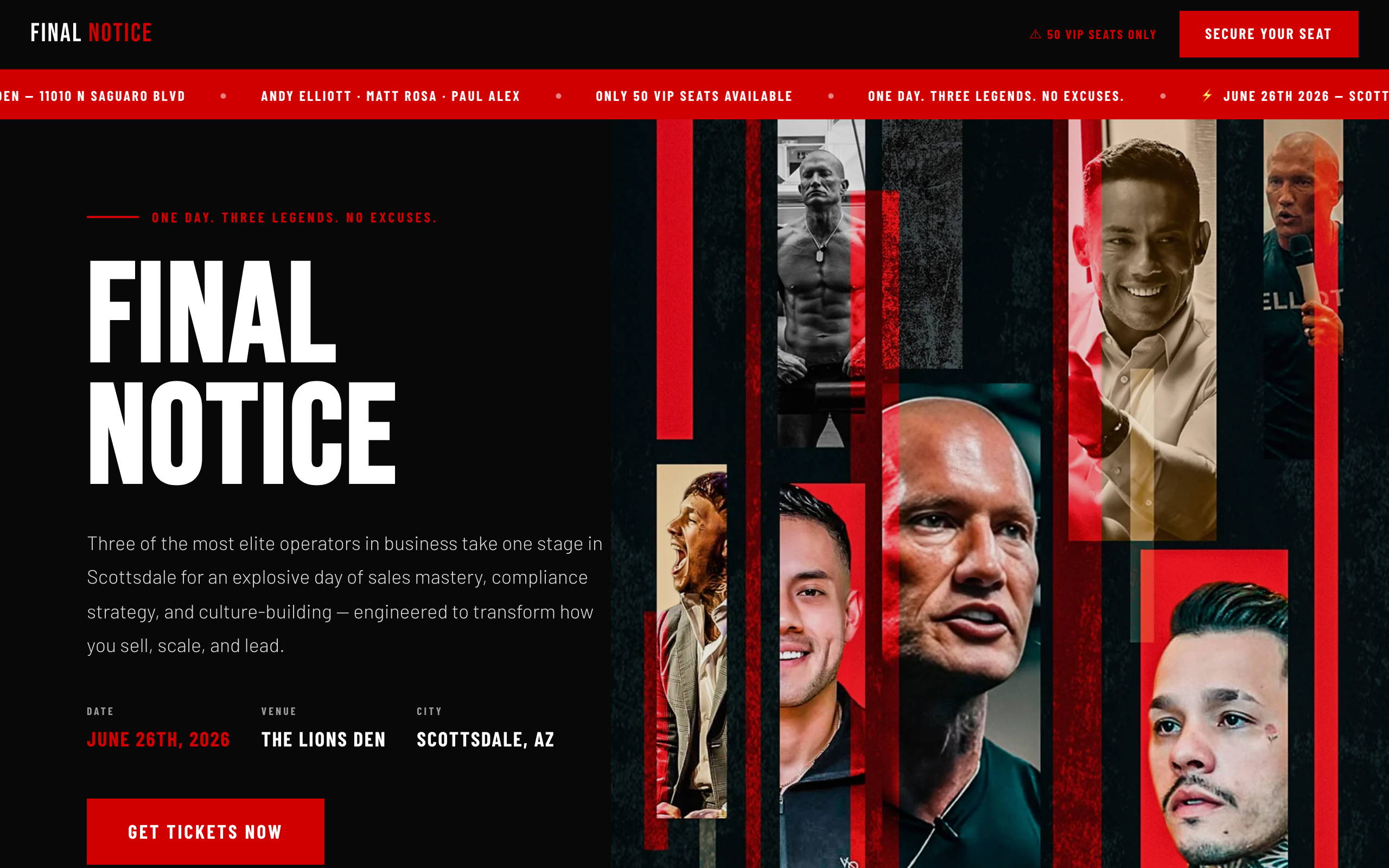
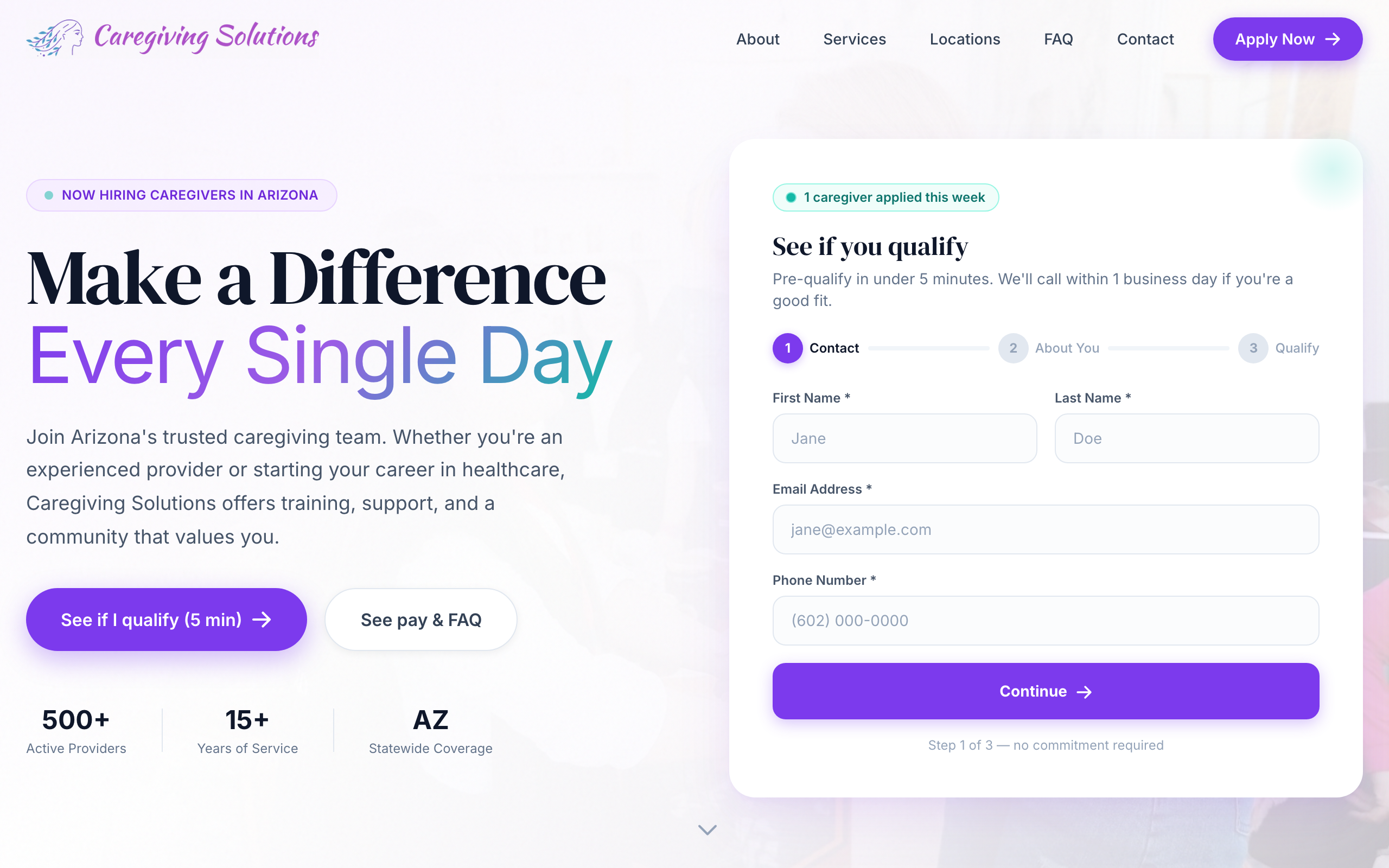
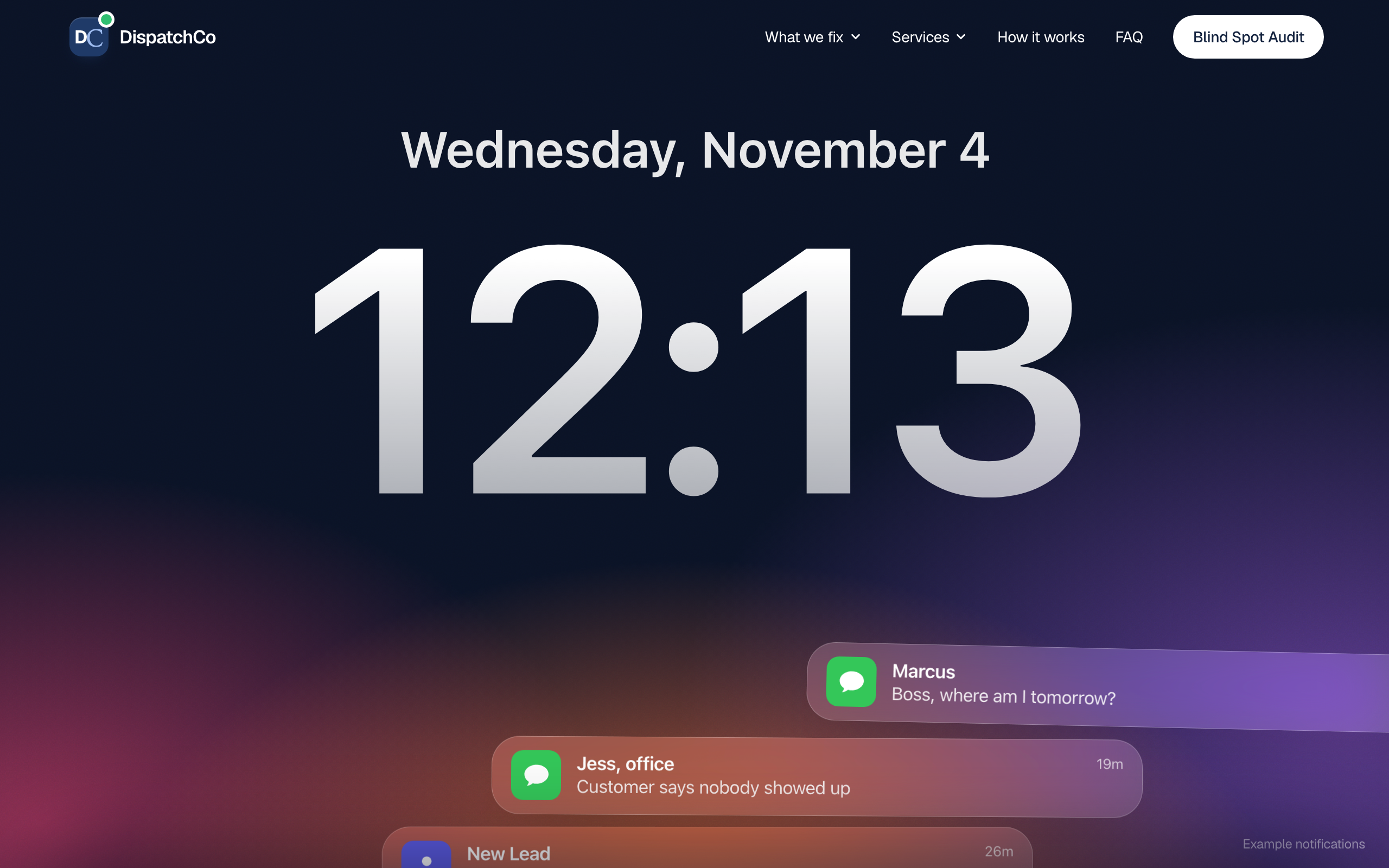
Final Notice. A high-stakes live-event page. Bold type, cinematic collage, one clear action: grab a seat.
There is a name for this: vibe coding. You describe the vibe, the AI writes the code. The term was coined in 2025 by Andrej Karpathy, a founding member of OpenAI, and it stuck because it is exactly what building feels like now. You are not writing code. You are directing it. Real businesses are shipping real sites and apps this way every day, and now you can too.
Why most AI websites look cheap
Everybody types the same three words into the same tool. “Make it professional.” So everybody gets the same website. Purple gradient, glass cards, a stock photo of people pointing at a laptop. You have seen it a thousand times because it is the default.
The ten thousand dollar look is not a secret font or a magic tool. It is the detail. The right instructions up front, real assets instead of defaults, and a few small tweaks at the end. That is the whole gap, and I am about to hand you all three.
The tool stack
- Claude Code — the engine. It writes the whole site from plain English, designs your logo and icons, installs everything, and runs it. This is the one that does the work.
- VS Code — the free editor Claude Code lives in. That is the whole setup.
- Netlify or Vercel — puts it live on the internet, free. Claude Code can deploy it for you.
That is it. No separate design app, no image tool, no setup gymnastics. Claude handles all of it right inside VS Code.